
Resources
The method that ships with the tool, the guides and the open demo.
The built-in method
The application’s knowledge base documents the PMO system; every user can read and print it.
P0–P8 lifecycle
Nine phases, nine review gates, one committee and deliverables per gate. Go, conditional go, no-go and postponed decisions.
Project types
In-house, vendor-delivered, IT with client-side consultant and integrator: mandatory gates and a template schedule for each.
A, B, C classification
Budget, duration and impacted units set the oversight intensity: cadence, committees, formal gates.
Signals and false greens
Four computed signals, a computed health, and the gap with declared health reviewed in the control tower.
Governance committees
Executive committee, steering committee, control tower, design authority, technical committee: mandate, frequency, inputs and outputs.
Deliverable templates
Opportunity sheet, project charter, project plan, design document, change plan, acceptance record, closure review.
Guides
Installation
Install WeProjectManagement on shared hosting or an internal server in thirty minutes.
User guide
By role: executives, PMO, project managers, resource managers, change leads. Calculation rules in detail.
Connectors and We AI
Step-by-step setup of each connector, choice of AI model, security and operations.
API and BI feeds
Connect Power BI, Excel or your applications: projects, tasks, registers, portfolio summary, workload.
The open demo
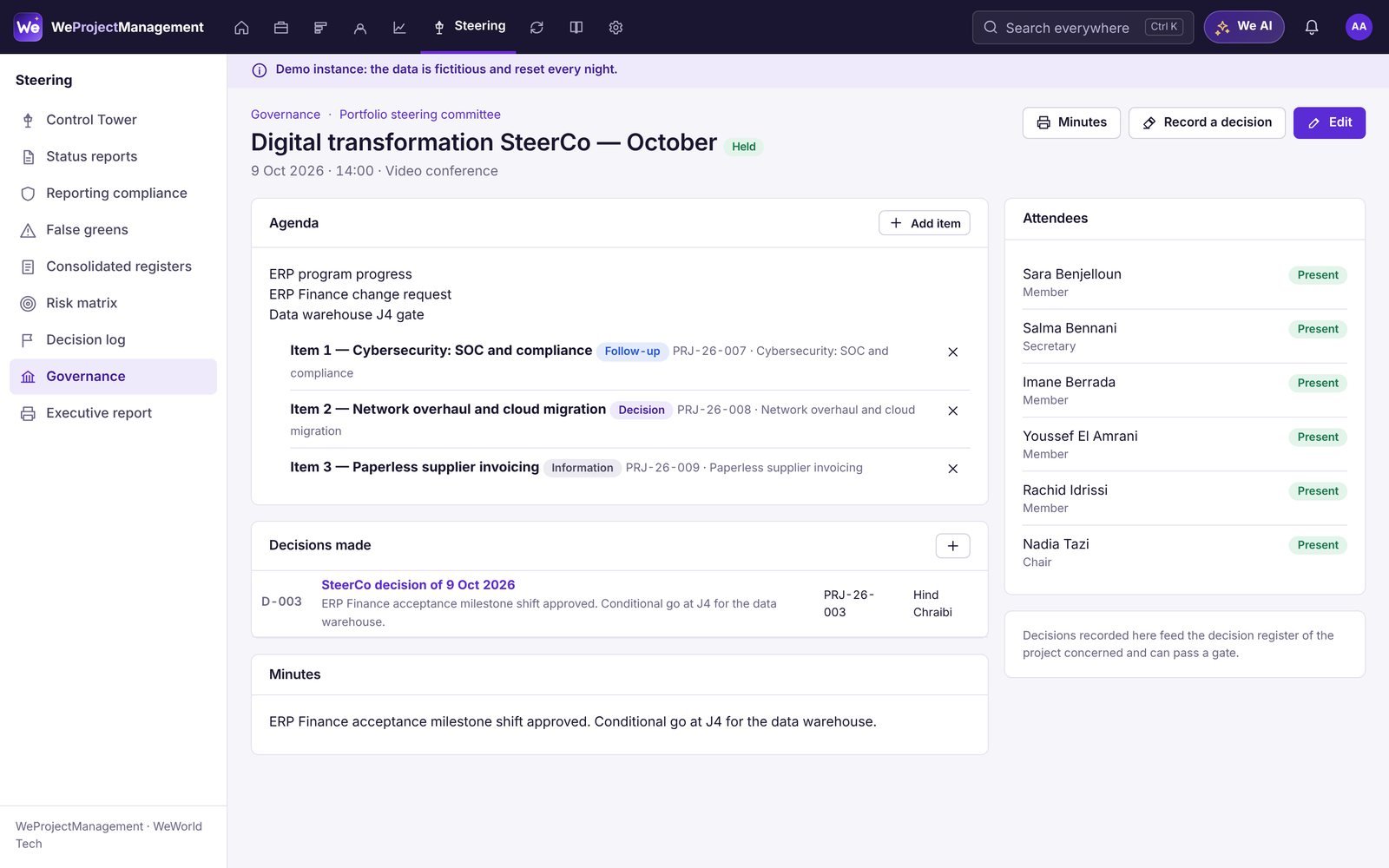
Atlas Group, a fictitious organization: 22 projects, three portfolios, four programs, steering committee and control tower sessions, requests being qualified, Jira and Teams connected. Sign in with one click as the role of your choice.
- Executive, PMO, project manager, team member, administrator
- Every Premium feature enabled, nothing to install
- Data reset every night
See your portfolio in WeProjectManagement
45 minutes on your use cases, then a 30-day pilot on your own data.